Table of Contents
Rejected Emails
If TetherX cannot send an email to your account, an alert appears on your pages and profile. A mail server that permanently rejects your address also pauses your email notifications until you confirm that you can receive a new message. Push notifications remain available according to your settings.
Everything you need to reach your account still arrives: a verification code, a password reset, a sign-in code, and the message sent when your account is set up. Alarms, reports and other notifications wait until you confirm the address.
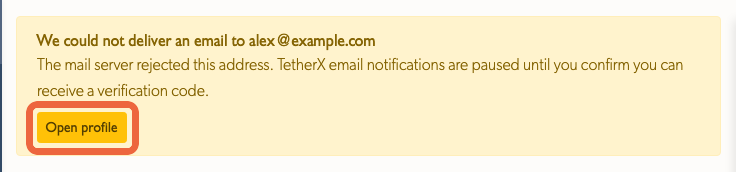
Confirm Your Address
- Select Open profile in the page alert. The same warning is on your profile, with a Try again button. Check that the address shown is correct before continuing.
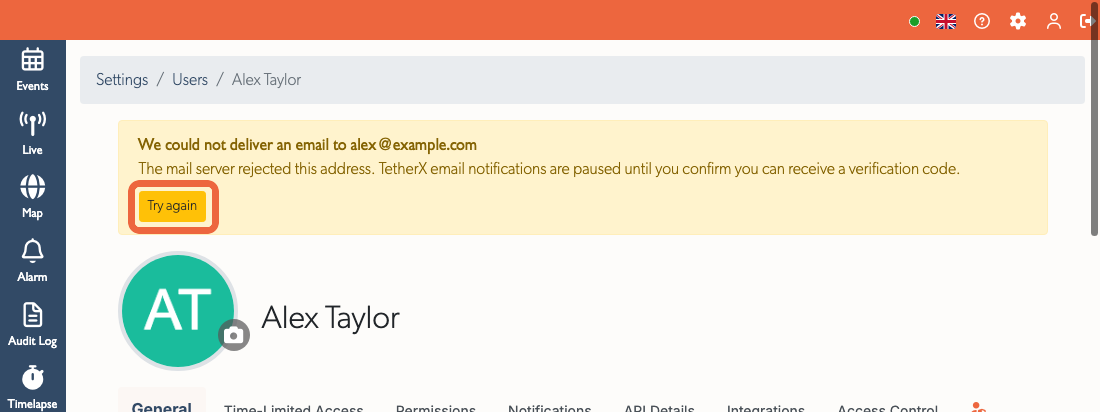
Select Try again. TetherX requests a new verification email. It does not resend an old alarm, event or other failed notification.
Open the verification email and find its six-digit code.
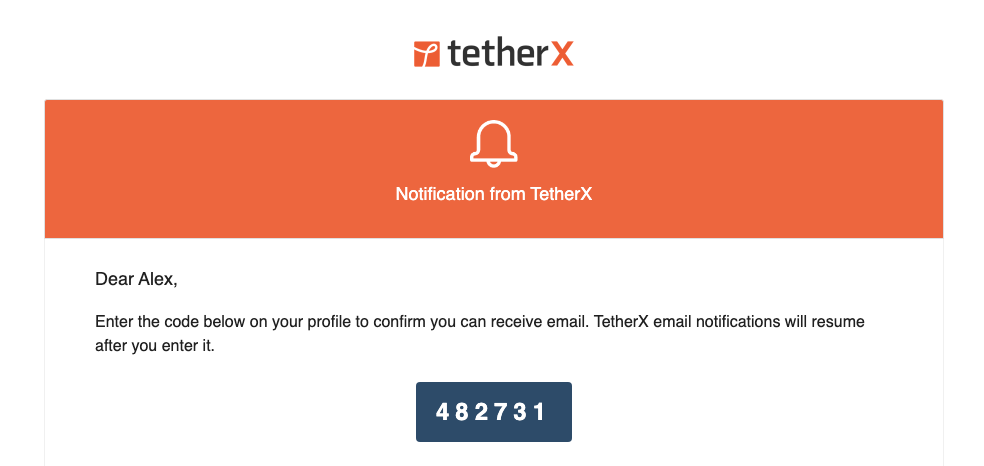
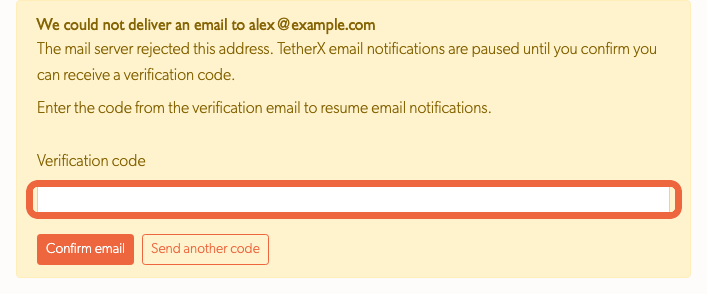
- Return to your profile, enter the code and select Confirm email.
- A confirmation message appears and the warning clears. If notifications were paused, they resume for future events. TetherX does not replay notifications that were skipped during the pause.

The code expires after 24 hours. If it has expired or you cannot find the message, select Send another code on your profile. Check your spam folder and the address shown in the warning. If the address is wrong, correct it on your profile or ask an administrator to update it, then request a new code. Repeated code attempts and requests are limited for security.
Note: A temporary mail server problem can also show a failed-email warning. It does not pause email notifications. TetherX pauses them only when the server identifies a permanent problem with the address.
Domain DNS Warnings
Before handing an email to the mail service, TetherX checks the recipient domain's mail records. If the domain's DNS returns a temporary error such as SERVFAIL, a separate warning appears on the account profile and pages. The message is still submitted to the mail service so it can retry delivery. This warning does not pause notifications or mean that the address itself was rejected.
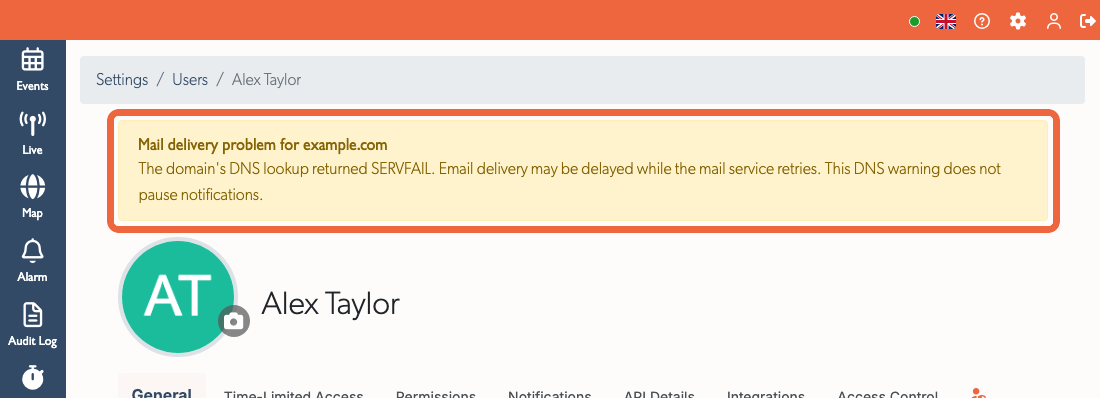
TetherX rechecks domains with a warning every 30 minutes. The warning clears when the DNS problem resolves or a final delivery failure replaces it. The domain owner may need to repair its DNS settings. A successful MX check cannot guarantee final delivery, because the recipient's mail service can report a problem after accepting the message.
Push Alert
When an address is permanently rejected, TetherX also requests one push alert saying that email notifications are paused. It reaches the account only if push notifications are enabled and a device is registered. The page and profile warnings remain available even when no push can arrive.
Related
- Notifications: choose which email and push notifications you receive.
- Push Notifications: check the app and device settings that determine whether a push can arrive.
- Reset Your Password: recover access to your account. Password recovery emails remain available while notification emails are paused.
Referenced in:

