Table of Contents
Valid Camera Stream Paths
When configuring custom stream paths for Cameras, TetherX validates the format to ensure compatibility. A valid path contains only the path portion of a URL - nothing more.
Path Format Rules
Valid paths:
- Start with
/ - Contain only the path portion (no protocol, hostname, or port)
- Examples:
/stream1,/ISAPI/Streaming/Channels/102,/?trackID=1&StreamID=2
Invalid paths:
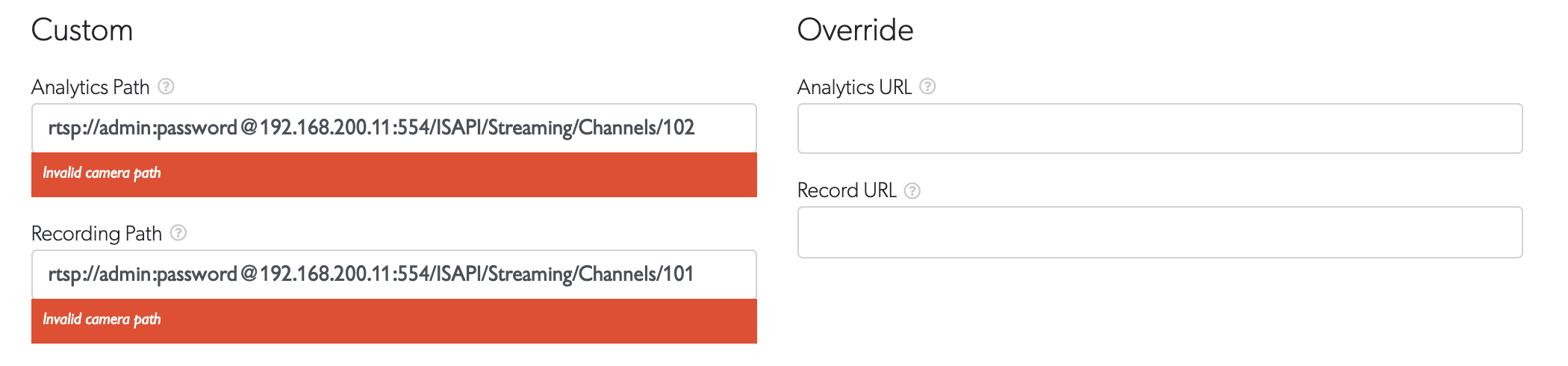
- Full URLs:
rtsp://192.168.1.100:554/stream(include hostname, port, protocol) - Missing slash:
stream1or192.168.1.100/stream - Misplaced parameters:
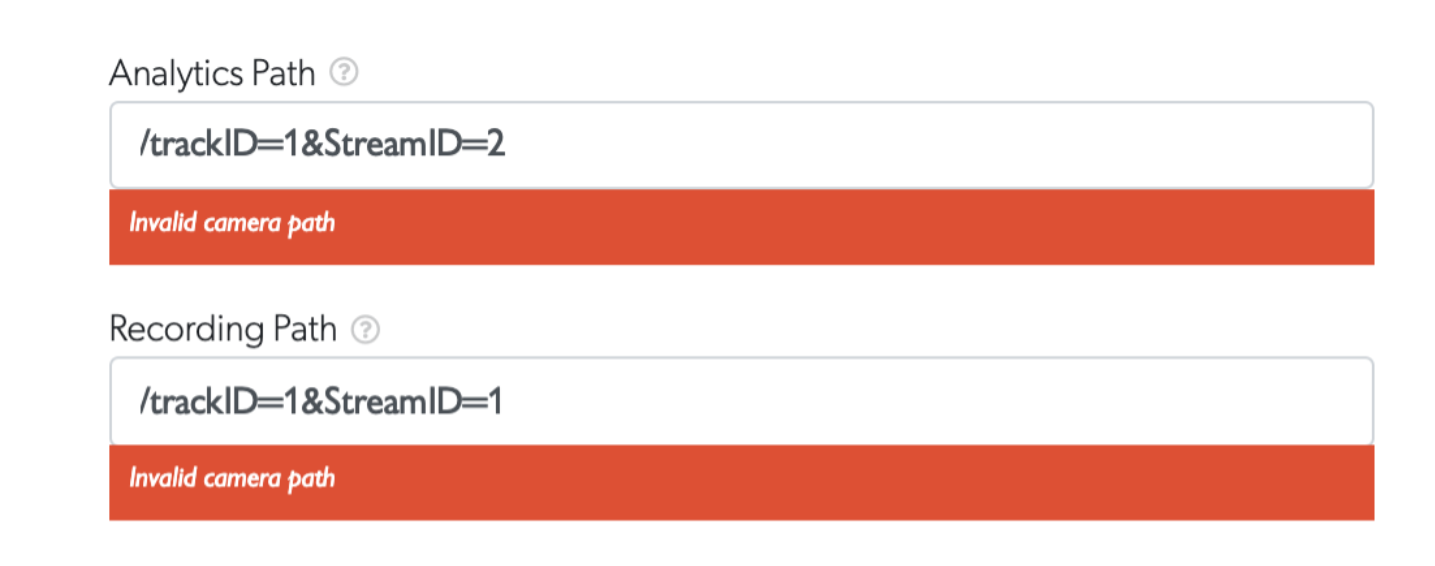
/trackID=1&StreamID=2(no?before first parameter)
Common Issues and Fixes
| Issue | Fix | Why |
|---|---|---|
/trackID=1&StreamID=2 |
/?trackID=1&StreamID=2 |
Parameters must start with ? |
rtsp://192.168.1.100/stream |
/stream |
TetherX adds the hostname and protocol |
stream1 |
/stream1 |
Paths must begin with / |
Missing Question Mark
Parameters in the path must start with ?. Without it, TetherX shows "Invalid camera path":
Full URL in Custom Path
Custom paths should contain only the path - not the full URL with protocol and hostname:
Custom vs Override Paths
Custom paths - TetherX auto-detects streams and monitors for IP address changes.
Override URL - Specifies a complete URL. Disables automatic IP change detection and safety checks. Use only for:
- Cameras on the public Internet (VPN, proxies, hosted services)
- Cameras requiring credentials in the URL

Tip: If you're unsure which option to use, start with Custom paths. Override is for advanced scenarios.
Finding Your Camera's Path
- Check manufacturer documentation for "RTSP paths" or "stream endpoints"
- Log in to your camera's web interface and look for stream settings
- Try common paths:
/stream1,/onvif,/ISAPI/Streaming/Channels/101 - Test with Testing Cameras with VLC before saving in TetherX
Troubleshooting
Path still invalid? Verify:
- Starts with
/ - No protocol (
rtsp://,rtsps://,http://) - No hostname or IP address
- No port number
- URL-encode spaces as
%20 - Parameters start with
?and separate with&
Still having issues? Test the full URL (with protocol and hostname) in VLC Media Player first. If VLC can't stream it, neither can TetherX.
Related Articles
- Testing Cameras with VLC - Verify stream URLs work
- How to Enable ONVIF - ONVIF protocol configuration
- Camera Troubleshooting - Connection diagnostics
Referenced in:

